CAD/CAM
EsaCAM
EsaCAM: the CAD/CAM for laser cutting
fully integrated with Esautomotion ViS-800 CNCs.
Power and precision at the highest levels.
EsaCAM is the CAD/CAM software solution designed to integrate perfectly with ViS-860W, 875W and 890W CNCs.
It ensures an optimized workflow for flat laser cutting on 3- and 5-axis machines,
delivering consistently perfect and error-free results.
Easy and flexible project management
- Advanced DXF Import: opens and imports DXF files with different colors and layers, managed through a conversion table for precise control of the head and cutting lines.
- Versatile Saving: jobs can be saved in PGM, DXF, and the native CAD format for maximum compatibility.
- Multilanguage Support: interface available in Italian, English, German, French, Spanish, Portuguese, and Chinese.
2D CAD drawing: all the tools to create and edit geometries
- Geometric Drawing Functions: create lines (through two points, from a starting point with length and angle, tangent, parallel), circles (center and radius, through three points, tangent), and arcs.
- Parametric Geometric Shapes: quickly insert and edit predefined shapes such as rectangles, slots, polygons, ellipses, and series of holes or slots along trajectories.
- Basic Functions: easily manage the part with tools like Zoom, Selection, Snap, Pan, Delete, and Undo/Redo.
Advanced CAD features for editing and preparing cutting profiles
- Entity Editing: split, break, extend, or shorten geometric entities and create corners in a simplified way.
- Profile Check and Correction: analyzes imported profiles to identify and automatically correct invalid, duplicate, or open entities.
- Collision Check: verifies the presence of overlapping parts or parts placed outside the work area to prevent production errors
Complete CAM features for efficient and precise laser cutting
- Automatic Nesting: optimizes material usage with automatic nesting on a single sheet.
- Lead-in and Lead-out Management: adds lead-ins and lead-outs manually or automatically, choosing the most suitable type for your machining.
- Intelligent Cutting Order: automatically manages the cutting sequence based on layers, or lets you customize it manually for full control.
- Micro-joints and Nano-joints: applies micro and nano joints to ensure part stability during cutting.
- Text Management: text can be inserted and managed directly within the project.
Full integration and control of CAD/CAM and CNC through a single interface
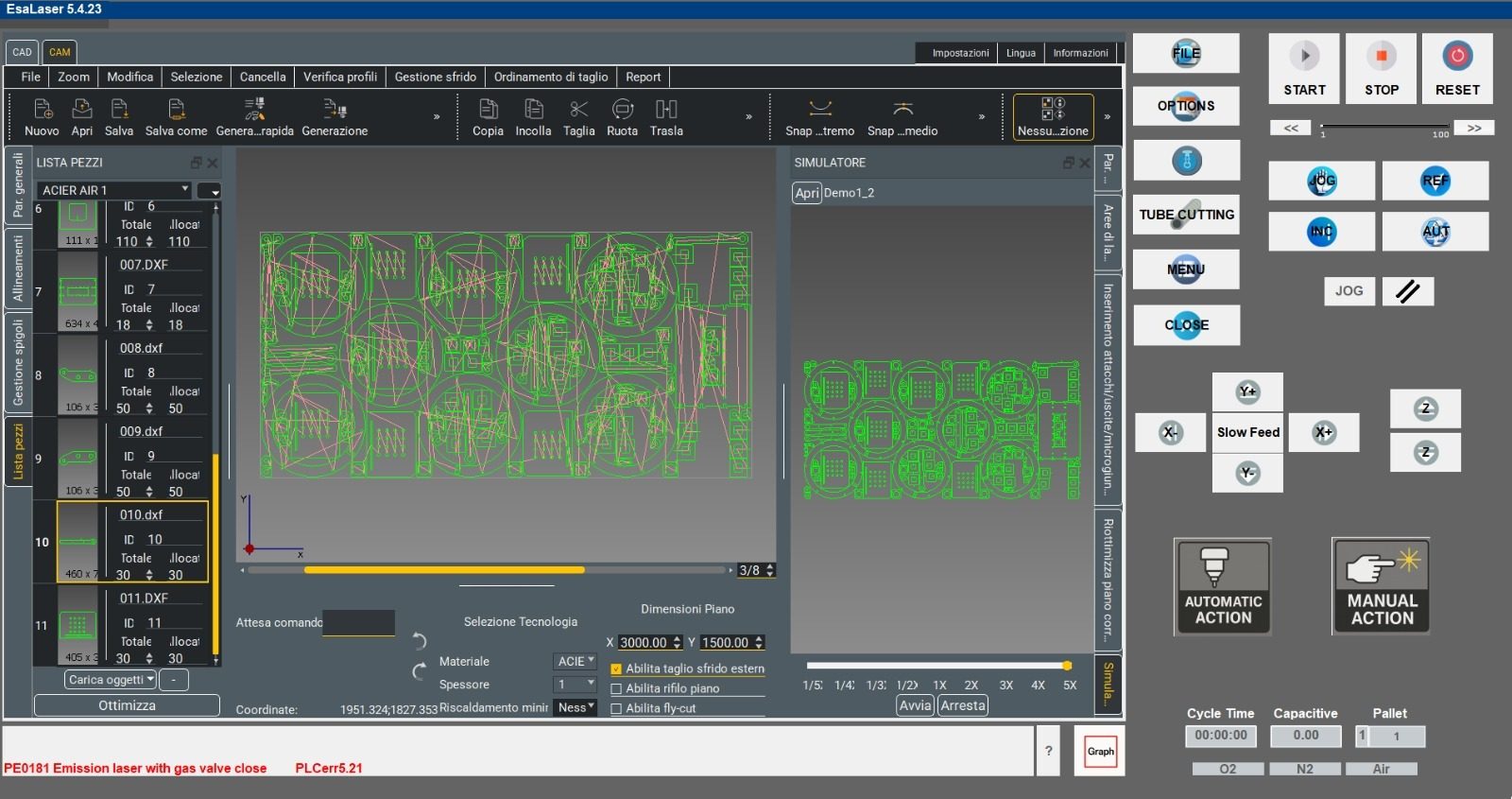
- Native integration with Esautomotion ViS-800 CNCs: allows the operator to make real-time adjustments and calibrations directly on the machine, speeding up machining times.
- Unified CadCam/CNC interface: simplifies the operator’s work by eliminating the need to switch between screens to view and configure CNC and CadCam settings.
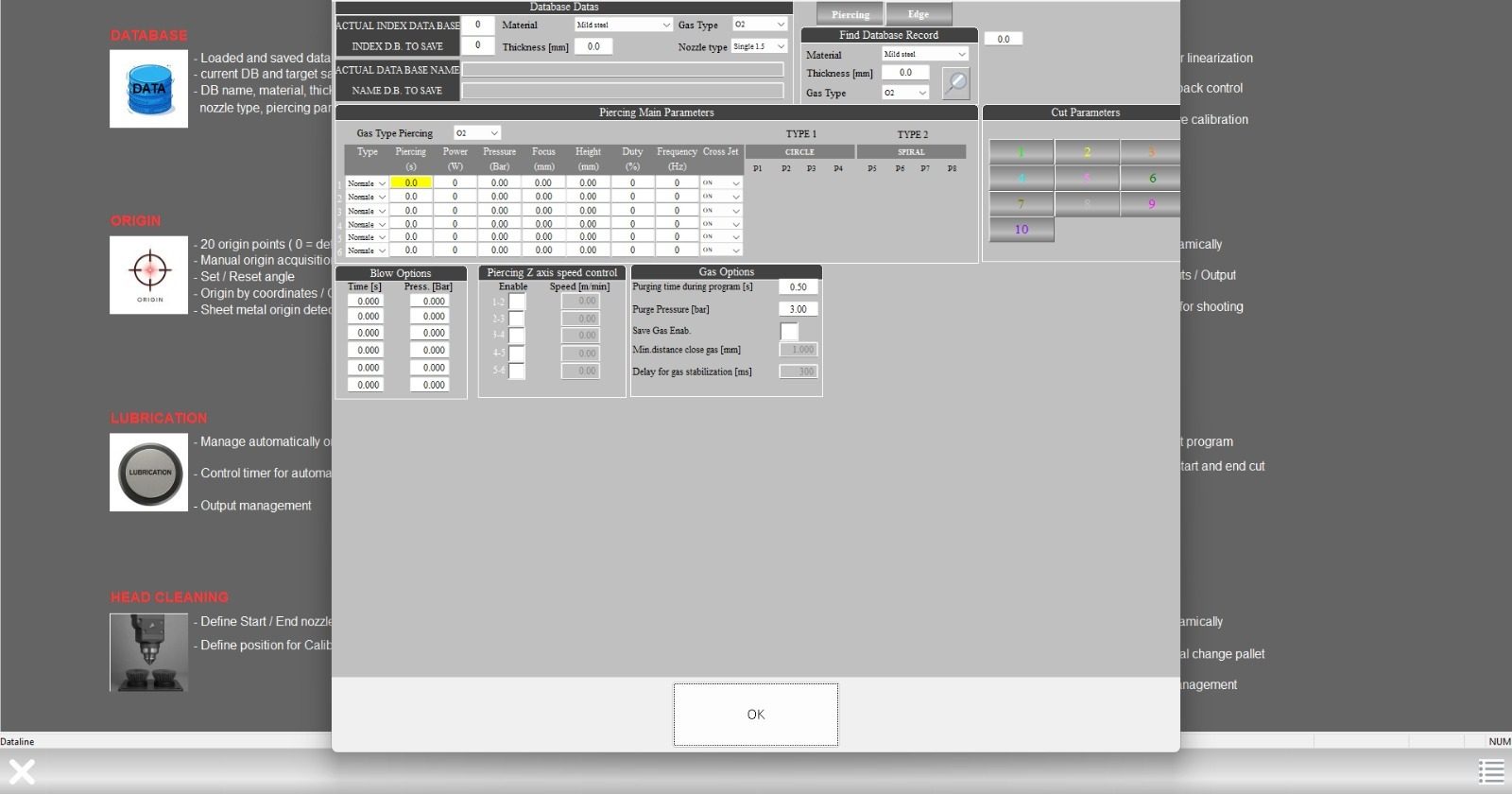
- Direct CNC Connection: displays errors, axis coordinates, and sensor status in real time. Controls axis movement, origins, feedrate, and cutting head commands.
- Fast Part Program Generation: creates the job file and saves it to a chosen path or sends it directly to the CNC’s drive to start production immediately.
- Work Cycle Control: start the automatic cycle, pause it, stop machining, and reset any errors directly from the software.
Optimization and advanced cutting technologies to maximize efficiency and accuracy
- Advanced Technologies: includes functions such as Flycut (on-the-fly cutting), Common Line Cutting, automatic Cooling Points, Sheet Marking, Frog Jump, and Film Cutting.
- Scrap Management: automatically manages scrap using customizable parameters or allows full manual control.
- Kerf Management: controls cutting width (kerf) with a realistic visualization of its effect on the drawn part.
- Bevel Management: provides full support for bevel cutting.
Simulation and Job Management for a production process with no surprises
- Integrated Simulator: simulates the generated PGM file to verify correct part placement, cutting sequence, and execution speed.
- Job Management: keeps track of jobs and parts to be produced, saving quantities already cut and quantities remaining.